Secrets AI Video Generator: How It Works, Quality, and Cost
Video generation from AI companion images is, genuinely, rare. Character.AI does not offer it. CrushOn AI does not offer it. Janitor AI does not offer it. Candy AI has limited video capability. Secrets AI has built this feature into its core platform, and it is the single strongest argument for choosing this platform over competitors — or for staying on it despite its weaknesses elsewhere. Here is exactly how it works, what it costs, and whether the Moments investment is justified.
For the complete platform assessment, see the full Secrets AI review.
What Is the Secrets AI Video Generator?
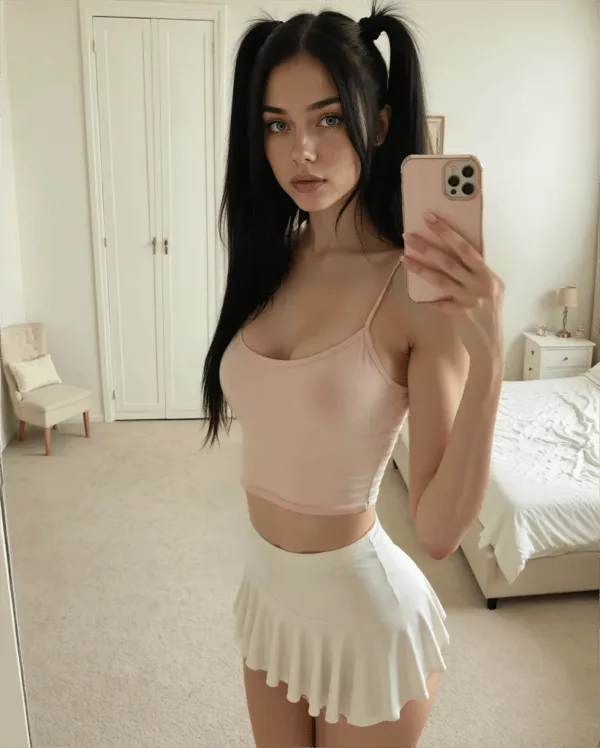
The video generator converts AI companion images into short motion clips using a text prompt. You select a source image of your companion, describe the movement or action you want in a prompt, and the system generates a video clip based on that input.
This feature is available on Lite tier and above — not on the free plan. The technical foundation uses AI video generation models, related to the deep learning and AI art systems that power platforms like Stable Diffusion (KG: /g/11tcd8vgn9), though Secrets AI does not publish the specific models used.
The market context matters: among the major AI companion platforms, Secrets AI's video generation is a genuine differentiator. Most competitors operate as image-generation or text-only platforms. The only comparable alternatives are niche platforms like SweetDream AI and Xotic AI (which offers 4K 15-second clips) — neither with the companion integration depth that Secrets AI provides.
For pricing context on which tier makes sense for video use, see the Moments and pricing guide.
How Video Generation Works
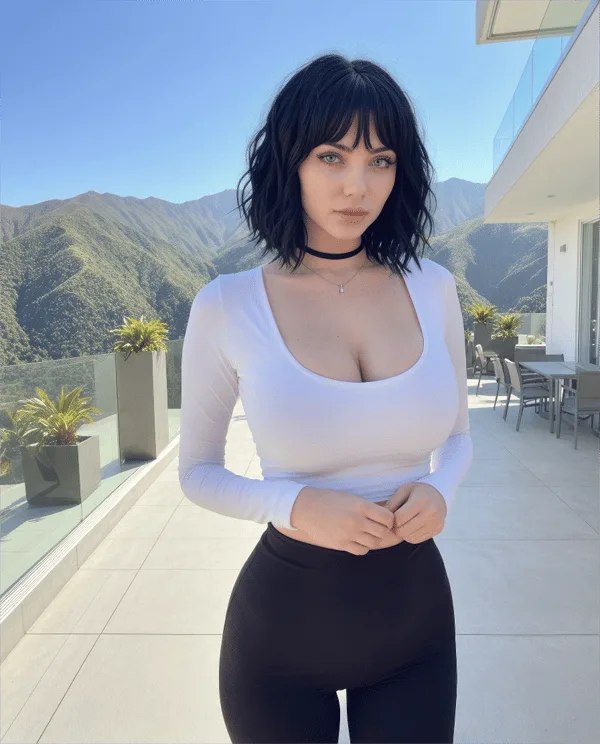
The process is four steps:
- Generate or select a source image. You need an existing companion image — either auto-generated when the character was created (four images are generated automatically at no cost), or a new image generated using Moments (25-50 per image)
- Add a text prompt. Describe the desired movement or action. Specific prompts produce better results — "walking slowly toward camera with a smile" will produce more controlled output than "move around"
- Wait for processing. Generation takes approximately 2 minutes per clip
- View and save the completed clip. The video is available for download or replay in your account
Videos are short motion clips. On the Lite tier, clips are 3 seconds. Higher tiers unlock longer clips. The output reflects the character's appearance from the source image, the scenario context of the conversation, and the specifics of your prompt.
Video Quality Assessment

Reviewer rating: 4.1/5. The description from independent reviews: videos "look good and move smoothly most of the time," with realistic character movement and natural facial expressions in most outputs.
The quality nuances:
- Movement smoothness is generally good but varies with prompt complexity
- Facial expressions are handled better than body mechanics in most clips
- Complex multi-action prompts produce less consistent results than single focused actions
- Quality improves on Premium and Advanced generation models (accessible at Premium tier and above)
- Source image quality directly affects video output — sharper input images produce better video
At 4.1/5, the video generator earns its rating as a strong feature with room for improvement. It is not photorealistic cinema, but it produces smooth, contextually appropriate motion clips that no direct competitor in the AI companion space offers at this price point.
How Much Do Videos Cost in Moments?
This is where planning matters. Video is the most Moments-intensive action on the platform — by a significant margin:
| Action | Moments Cost |
|---|---|
| Text message | 1-2 |
| Image generation | 25-50 |
| Short video (3 seconds) | ~50 |
| Full video clip | ~600 |
| Voice call | 100 per minute |
One full video clip at 600 Moments equals:
- The same as 600 text messages
- The same as 12-24 images
- The same as 6 minutes of voice calls
For the same 600 Moments, you could generate a single long video clip OR a substantial session of images OR a meaningful voice call.
Monthly Video Budget by Tier
| Tier | Monthly Moments | Short clips (~50 Moments) | Full clips (~600 Moments) |
|---|---|---|---|
| Lite | 1,000 | ~20 | ~1-2 |
| Plus | 3,000 | ~60 | ~5 |
| Premium | 8,000 | ~160 | ~13 |
| Ultimate | 15,000 | ~300 | ~25 |
Key insight: If video generation is your primary use case, the math strongly favors Ultimate ($39.99/month) over Plus ($9.99/month). Plus's 3,000 Moments gives you roughly 5 full video clips per month — approximately one per week. Ultimate's 15,000 Moments gives you 25 full clips — close to one per day — plus a 15% bonus on any additional Moments purchased.
Heavy video users who supplement monthly Moments with top-up purchases also benefit: Ultimate subscribers receive a 15% bonus on all top-up purchases, compared to 10% for Premium subscribers.
Video vs Images vs Voice — Cost Comparison
Choosing how to allocate Moments across different media types:
| Feature | Moments Cost | Output |
|---|---|---|
| Text message | 1-2 | Text response |
| Image | 25-50 | Single static image |
| Short video (3s) | ~50 | Brief motion clip |
| Full video | ~600 | Longer motion clip |
| Voice call | 100/min | Real-time audio |
The break-even point between short video and images: at ~50 Moments, a short 3-second video clip costs roughly the same as one image on the higher end of the image generation range. For users who value motion over static images, short clips represent reasonable value. Full video at 600 Moments per clip is a premium use case.
Tips for Better Video Results
Practical techniques that improve output quality:
- Use high-quality source images. Run images through the Advanced generation model before converting them to video. The video system uses the source image quality directly
- Keep prompts focused. Single, specific actions produce better results than complex multi-action sequences. "Turn head slowly to the right" outperforms "walk, turn, smile, and wave"
- Start with short clips. Test prompt quality with 3-second clips (~50 Moments) before committing Moments to a full clip (~600 Moments)
- Use the Premium generation model for final outputs. It produces measurably better results than the standard model — worth the tier difference if video quality matters
- Save Moments by planning your source image first. Generate the ideal static image before converting to video, rather than converting the first image you generate
The getting started guide covers the full media generation workflow including how to generate source images effectively before creating video.
Who Should Use the Video Generator?
Worth the Moments investment if:
- You value visual companion content as a primary use case
- You want motion clips from your companion rather than static images only
- You plan to save or share companion-generated content
- Video frequency is moderate (5+ clips per month, which puts you at Plus tier minimum)
Skip the video generator if:
- Text-based conversation is your primary interest and media is incidental
- You are on a tight Moments budget and cannot afford the cost-per-clip
- You prefer the responsiveness and Moments efficiency of images over the 2-minute generation wait time
Best tier for video:
- Moderate video users (monthly, occasional): Premium ($19.99/month) — 8,000 Moments gives 13 full clips
- Heavy video users (weekly or more): Ultimate ($39.99/month) — 15,000 Moments gives 25 full clips plus the top-up bonus
For casual video experimentation, Plus ($9.99/month) delivers access to the feature at minimal cost, with 3,000 Moments giving approximately 5 full clips per month.
See the free vs premium breakdown for the complete Moments math across all tiers.
Competitors with Video Generation
The competitive landscape for AI companion video generation as of 2026:
| Platform | Video Generation | Notes |
|---|---|---|
| Secrets AI | Yes (full feature) | Core platform feature, all paid tiers |
| Candy AI | Limited | Some video capability, not core feature |
| Character.AI | No | Text and image only |
| CrushOn AI | No | Text and image only |
| Janitor AI | No | Text only (BYO API) |
| GirlfriendGPT | No | Text only |
| SweetDream AI | Yes (niche) | Comparable but smaller platform |
| Xotic AI | Yes (4K, 15-sec) | Higher quality video, niche platform |
The absence of video generation across the major platforms — Character.AI (KG: /g/11sck8d802), CrushOn AI, and Janitor AI — makes Secrets AI's offering genuinely distinctive. The platforms that do offer video (SweetDream AI, Xotic AI) lack Secrets AI's integration with a full companion experience including memory, chat quality, and character customization depth.
This is why video generation remains the strongest reason to choose Secrets AI over alternatives, and the strongest reason to stay despite the platform's acknowledged weaknesses in app availability and character diversity.
FAQ
Video clip length depends on your subscription tier and the specific generation settings. On the Lite plan, videos are 3-second short clips (~50 Moments each). Plus, Premium, and Ultimate tiers unlock longer clips that can extend to full-length clips costing up to 600 Moments each. Generation time for any clip is approximately 2 minutes regardless of length.
No. Video generation requires at least a Lite plan ($5.99/month). Free tier users receive 200 starting Moments that cover text and some image generation, but video access is blocked on the free tier regardless of Moments balance. Upgrading to Lite is the minimum requirement for accessing video generation.
The number depends on your subscription tier and Moments allocation. On Plus (3,000 Moments): approximately 5 full video clips or 60 short clips per month if you use all Moments on video. On Premium (8,000 Moments): approximately 13 full clips or 160 short clips. On Ultimate (15,000 Moments): approximately 25 full clips or 300 short clips. Most users mix video with images and voice, so effective video production is somewhat lower than these maximums. Additional Moments can be purchased as top-up bundles starting at $5.99.
Yes, within the current limits of AI video generation technology. Reviewers rate video quality at 4.1/5, describing smooth movement and natural facial expressions in most outputs. Results are better for simple, single-action prompts than for complex multi-action sequences. Quality improves noticeably when using the Premium generation model and high-quality source images. The output is not photorealistic cinema, but it is fluid and contextually appropriate for companion companion content.